Please don't fall for any job/grants/SaaS/Software related scams. For any query or concerns please reach to us directly at +65 6834 3026 or WhatsApp at +65-8910 8216
Please don't fall for any job/grants/SaaS/Software related scams. For any query or concerns please reach to us directly at +65 6834 3026 or WhatsApp at +65-8910 8216
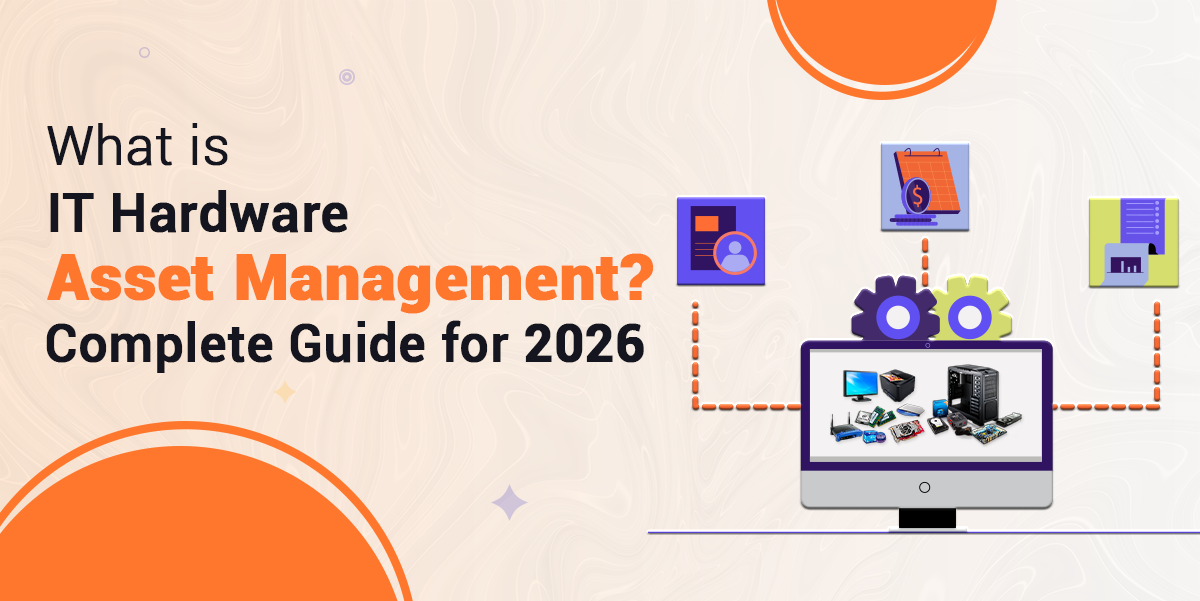
Managing IT hardware in a growing business isn’t always easy. Devices come and go, employees change roles, and tracking what you have, where it is, and who’s using it can become a real challenge.
That’s why IT Hardware Asset Management is so important. It’s a practical system that helps businesses keep full control over every physical IT asset, from laptops and desktops to routers and servers.
This process ensures each device is accounted for, properly maintained, and retired safely when the time comes. It also helps reduce waste, save money, and avoid duplicate purchases. Whether your business is just starting or scaling up fast, a good IT Hardware Asset Management System gives you visibility, improves efficiency, and brings order to your IT operations.
See how Genic Assets locates equipment in seconds and keeps maintenance on schedule — book a free demo.
IT Hardware Asset Management means watching over and caring for all the tech tools your business uses. These tools can be laptops, desktops, servers, routers, or anything else your team needs to stay working and talking with each other.
From the moment you buy a device until the day you recycle or remove it, this system helps you keep everything neat and easy to find.
This system lets you track, check, and update every device. It’s not just about making a list—it’s about learning where each item is, how it’s working, and if it still helps the team.
Whether you run a small shop or a big company, using a strong IT Hardware Asset Management Software saves you time and money and keeps things running smoothly.
Understanding why IT Hardware Asset Management is important can help your business avoid waste and improve performance.
Without tracking, devices can easily go missing—especially in growing companies or remote setups. A clear record of each item prevents this and keeps all teams accountable.
If you don’t know what you own, you may end up buying things you already have. An accurate IT Hardware Asset Management System helps avoid these duplicate purchases and reduces wasteful spending.
Many businesses lose money by missing warranty deadlines or licence renewals. Tracking these ensures timely action and saves on repair or replacement costs.
With everything recorded in one place, teams can make faster decisions. From locating a device to fixing issues, an organised system saves time across departments.
You can only plan for upgrades or replacements when you know the current state of your hardware. Proper tracking supports smarter budgeting and forward planning.
A reliable IT Hardware Asset Management System Software is more than just a list; it’s a tool that helps your business stay lean, secure, and prepared.
Read Also: IT Hardware Asset Management: How to Track Devices Across Teams
To manage hardware assets properly, it’s helpful to break down the process into clear stages:
Before making a purchase, businesses assess their hardware needs and then decide which options they want to take.
The device is immediately logged into the IT Hardware Asset Management Software with details such as the model number, serial number, price, as well as user.
By capturing this information upfront, you make sure that you begin with a clear history of the asset’s journey. It enables the financial and procurement teams to remain within budget and avoid purchasing the same hardware twice.
After purchase, the asset is configured with the necessary software and settings. It is then assigned to an employee or department.
During this stage, the Asset Management Software should document who received the device, where it is being used, and when it was issued.
This step sets accountability. If a device goes missing or needs support, there’s a clear record of ownership and location.
While the device is in active use, the system tracks its performance and condition. Regular updates, repairs, or checks are logged.
The IT Hardware Management System should also remind teams when maintenance is due or if there are performance concerns.
This helps prevent unexpected breakdowns. It ensures that issues are handled early, keeping employees productive and systems secure.
Technology evolves quickly. As hardware ages, it may need upgrades like extra memory, faster processors, or new software. These upgrades should be logged in the system, including what was added, why, and when.
Tracking upgrades extends asset life and gives IT teams insight into which devices are still fit for purpose and which need replacing.
No hardware lasts forever. When a device becomes outdated or unusable, it’s time to retire it. Retirement involves wiping data, removing it from the active inventory, and disposing of it responsibly.
The IT Hardware Asset Management System Software helps confirm that data security is preserved and that compliance standards are met. It also records the disposal date and method for audit purposes.
To get the most out of your IT Hardware Asset Management System, it’s important to track the right information. This gives your team better insight and control.
Start with the essentials: the device name, make, model, and serial number. These form the backbone of your asset list.
Record when the asset was bought, how much it cost, and the vendor details. This helps with budgeting and financial reporting.
Track the warranty period, service contracts, and support contact information. Knowing when support expires helps avoid extra costs.
Every asset should be linked to a user or department. This improves accountability and helps resolve issues quickly.
Whether it’s a desk in the office or a remote worker’s home, document where each device is located.
Mark assets as active, in repair, in storage, or retired. This helps manage stock levels and replacements.
Keep records of updates, repairs, and upgrades to see how the asset has been used.
Tracking these details keeps your Asset Management Software accurate and effective.
Using IT Hardware Asset Management Software offers a range of practical benefits that can transform how your business handles IT equipment.
A clear record of your hardware prevents duplicate purchases and over-ordering. You can make smarter buying decisions based on actual needs.
With detailed asset tracking, it’s easier to ensure devices are secure and up to date. You can track updates, spot missing patches, and reduce the risk of data breaches.
Support teams can quickly access device history, making it easier to diagnose issues and perform repairs, which reduces downtime.
When audit season comes around, you’ll be ready. All records are in one place, making it simple to prove ownership, updates, and disposal practices.
The system gives you a clear view of hardware age, usage, and performance. This helps with budgeting and planning future upgrades or replacements.
In short, IT Hardware Asset Management System Software supports better decision-making, reduces risk, and makes managing devices much simpler.
Making a smart plan helps your IT Hardware Asset Management System Software work better and faster. Follow these easy tips to keep everything running smoothly:
Give each device a bright and special name or number. This helps your team spot and follow it with no fuss. When everyone uses the same naming style, things move more quickly.
Don’t scatter details in different places. Collect everything in one big system. This way, your team can peek at the same list and stay in step.
Show your team how to write updates and track changes. Make the steps easy to learn and fun to follow. When everyone knows what to do, it saves time and stops mix-ups.
Let your system whisper gentle alerts, like when it’s time to fix something or toss old gear. These alerts keep surprises away.
Every few months, sit down and dust off your list. Toss out old records, patch mistakes, and fill empty spots. Clean info helps you plan ahead.
Stick to these habits to keep your Asset Management Software sharp and friendly.
If you are looking for an effective asset management solution for better management, try Genic Assets Management Software Solutions!
With all the proper methods, taming your IT gear can be made simple. A neat IT Hardware Asset Management System can help your team remain prepared, prepare smartly, and avoid stupid mistakes. You will see what you have, the way it functions, and when it requires some care – all from one tidy place.
Whenever you save money, fix quickly, and keep everything secure, you feel in charge. These lists are not merely for looking asthey guide your greatest choices each day. Do not wait for things to become messy.
Begin with what you have. Try to keep it simple and neat. Permit your team to grow as well as your system. Your working day is going to be more smooth, the earlier you get going.
Articles you might like
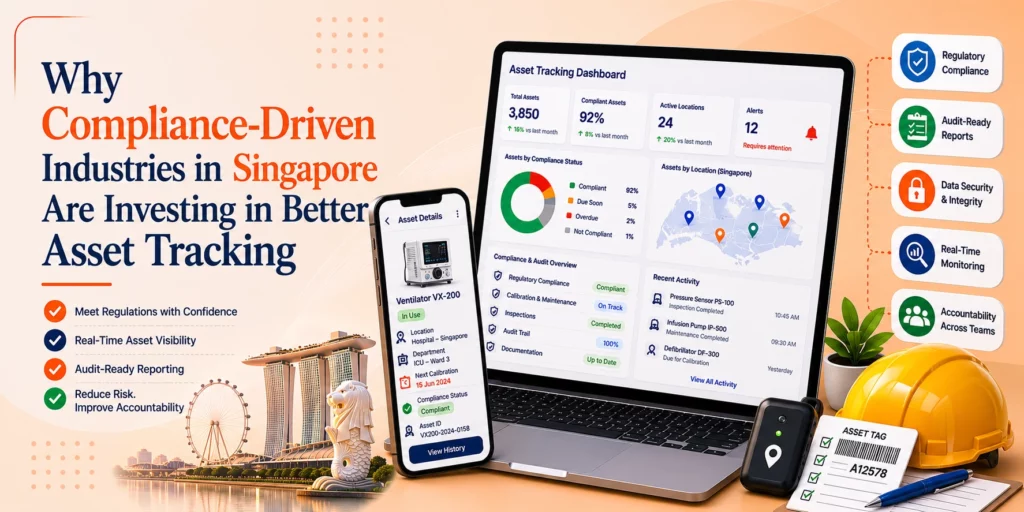


Genic Assets provide complete visibility, traceability, and accountability of your assets!
Get StartedAre you ready to switch from Excel and Spreadsheets to Cloud-based Asset Management Software? Get started with Genic Assets Management System!